
Embed Code
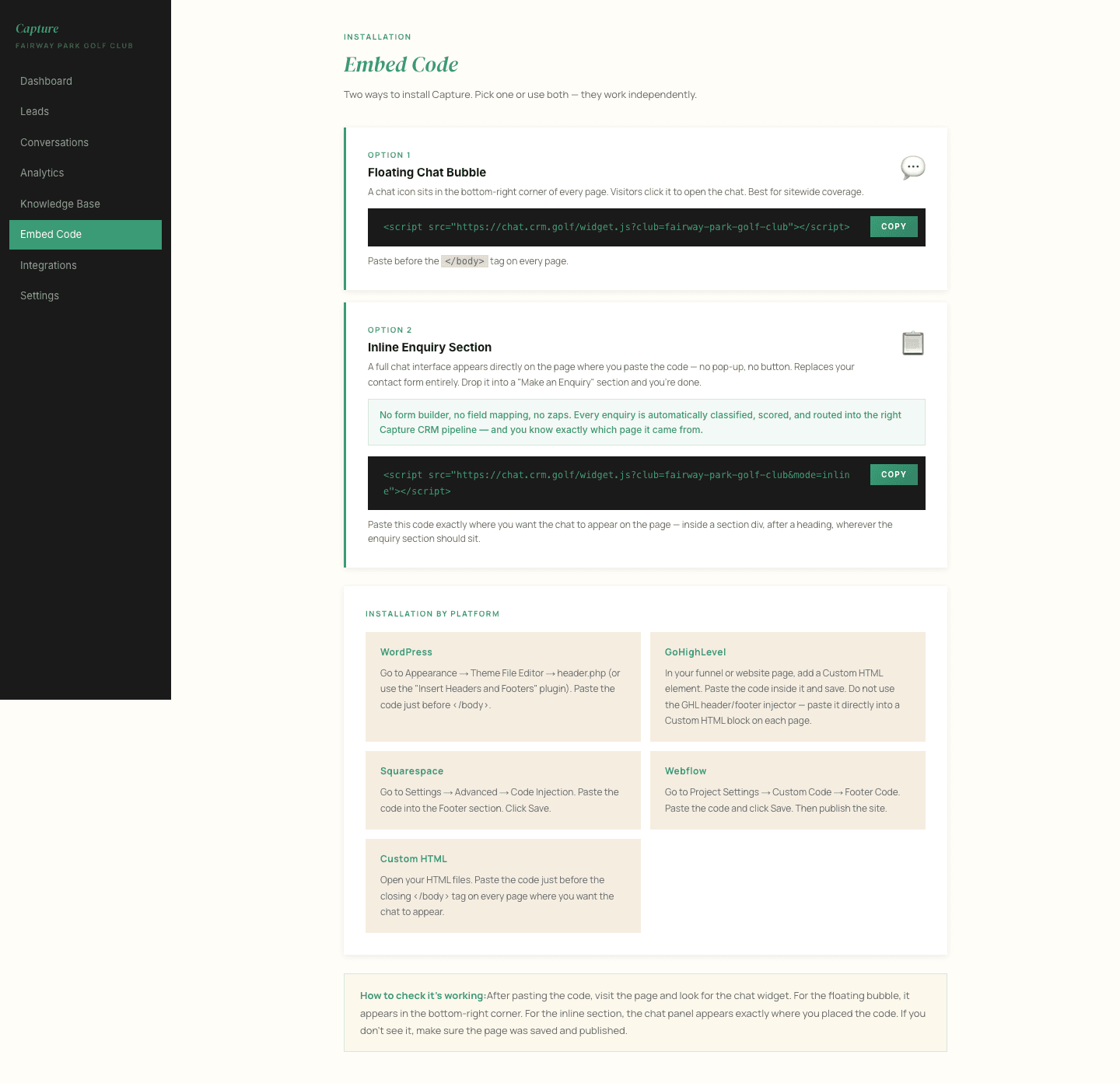
This is the one line of code that puts the concierge on your website. It is installed for you when your account is set up, so you will not normally need this page.
It is here for two occasions: when you redesign your website, and when you change whoever looks after it.
Installing it
Copy the snippet and paste it into your website's HTML, just before the closing </body> tag, on every page you want the concierge to appear on. Most websites have a single place for this, often called something like "custom code", "footer scripts" or "code injection".
If somebody else maintains your site, send them the snippet and that instruction. It takes them a minute.
One thing to tell us
The concierge only runs on web addresses we have approved for your club. If you move to a new domain, or add the code to a site we have not seen before, the widget will simply not appear. Tell us the new address and we will approve it.
Checking it worked
Open your website in a normal browser window and look for the chat button, usually bottom right. If it is not there:
- Check the code was pasted on the page you are looking at, not just the home page
- Clear your browser cache and reload
- Confirm with us that your domain is approved
If it is still missing, email support@crm.golf with the page address and we will look.