
AI Concierge
Analytics
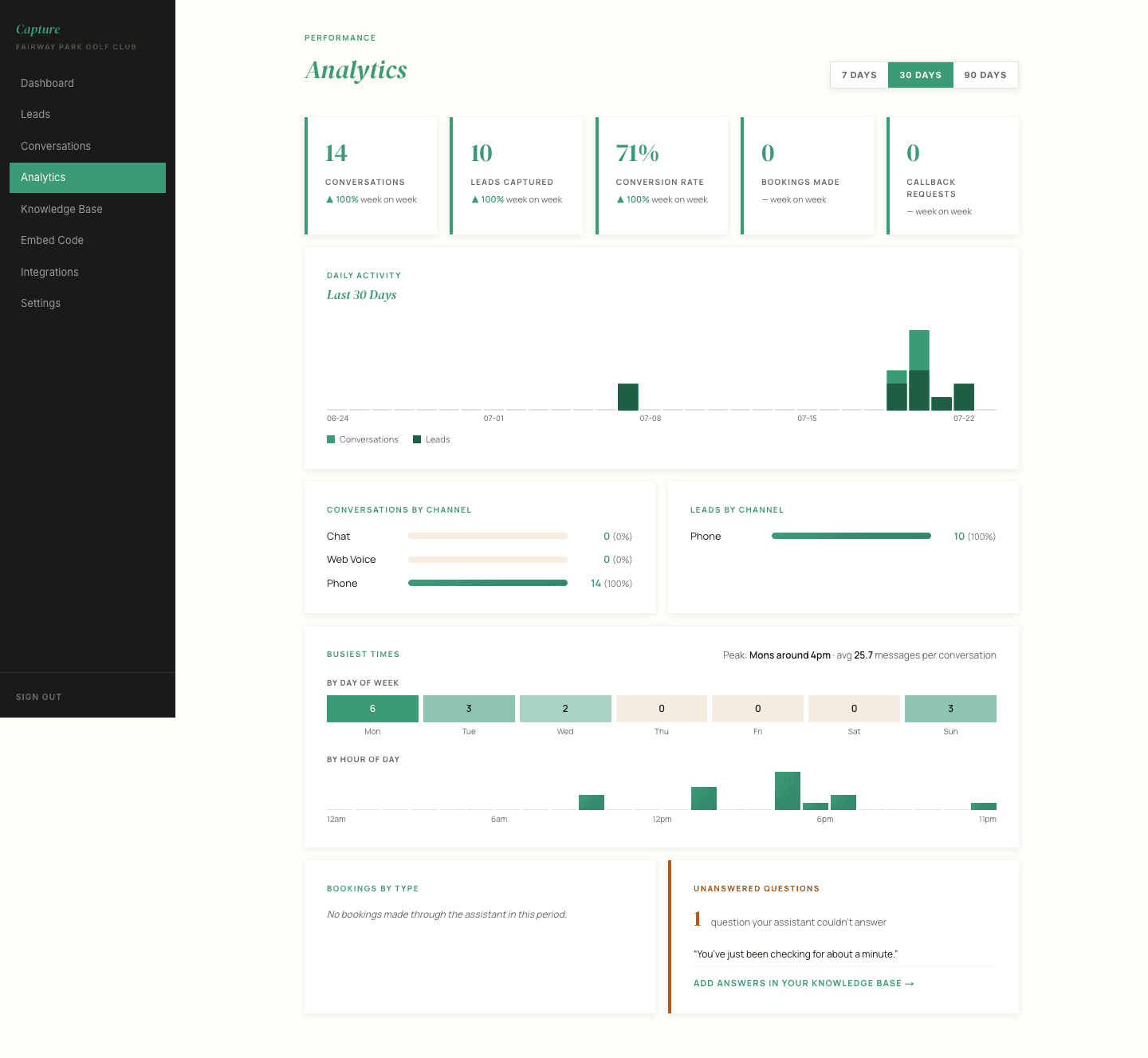
Analytics is the longer view: conversations over time, which areas of the club generate the most interest, and how many enquiries are being captured.
Useful at the end of the month, less so day to day.
What the numbers mean
- Total conversations -- every chat or voice conversation in the period, including people who asked one question and left.
- Leads captured -- conversations where the visitor left their details.
- Conversion rate -- leads as a share of conversations. A low rate is not automatically bad. Somebody who asked your opening hours and got the answer was well served, even though they left no details.
- Enquiries by area -- which parts of the club golfers are asking about. This is the number most worth watching, because it tells you what your website visitors actually want.
Health score
The Revenue Assistant panel on your dashboard scores conversation quality rather than volume. It flags three things:
- Needs follow-up -- conversations that look like they warranted a human reply.
- Long answers -- replies that ran longer than they should, which usually points at a knowledge base section that needs tightening.
- Possible KB gaps -- questions the concierge could not answer. Worth acting on, see Your Knowledge Base.
Reading it sensibly
A quiet month is not a broken concierge. Golf enquiry volume follows the season, the weather and whatever marketing you have running. What matters more is the direction of travel across a few months, and whether the enquiries it does capture are turning into bookings and members at your end.
If the numbers ever look wrong rather than simply low, tell us and we will look at the underlying conversation log.